 Try for free
Try for free
Try for free
See your whole week without losing today in the noise. Droplist keeps your daily focus front and center, with the rest of the week one glance away.
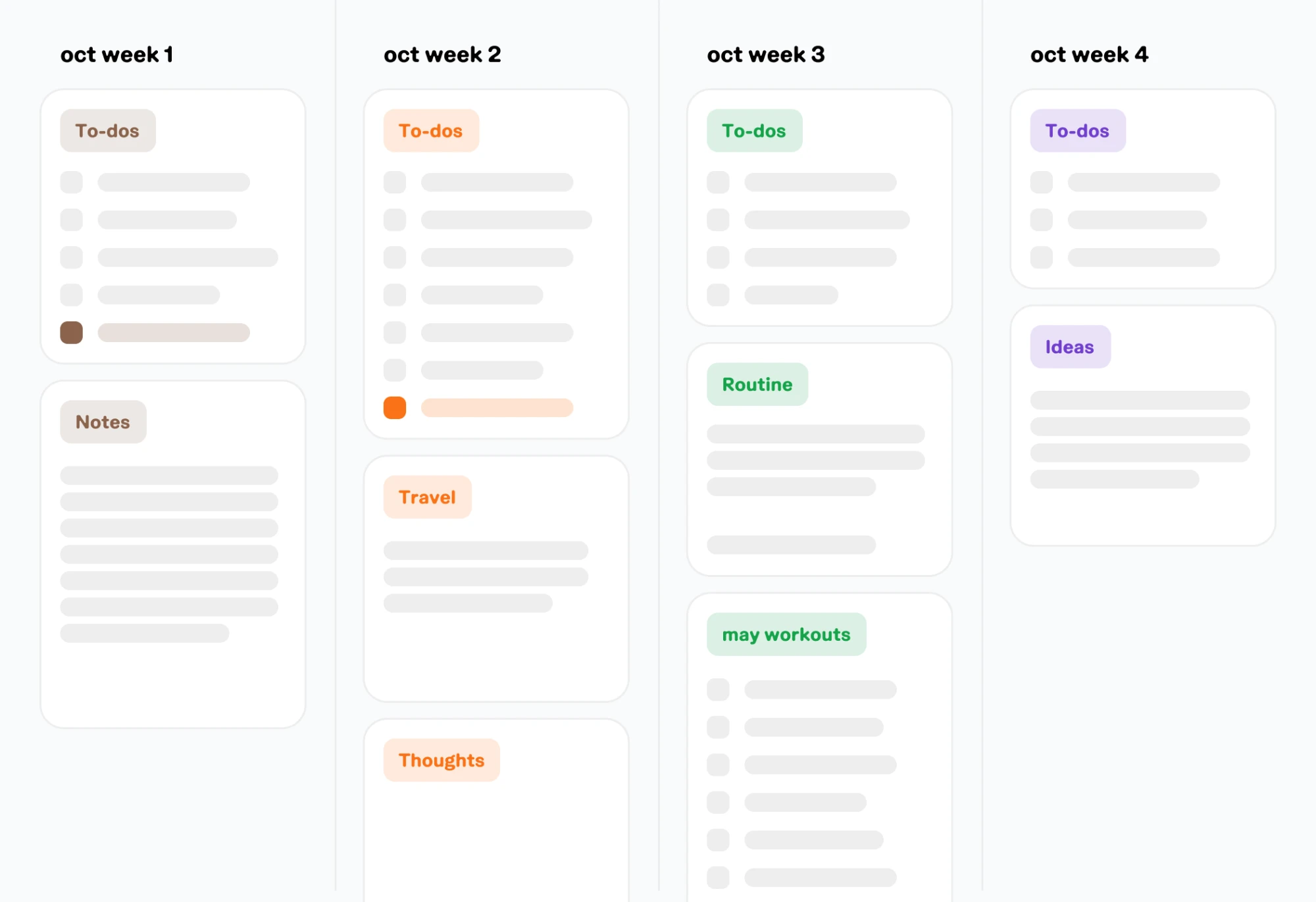
Zoom out from today to see what's coming — deadlines, plans, and everything else you'd otherwise have to hold in your head.
Didn't finish something today? It doesn't vanish. Move it forward without rewriting your whole list from scratch.
Planning the week doesn't mean staring at seven days at once. Your Today view keeps you anchored to what matters right now.
A lot of weekly planners hand you a grid and expect you to fill every box — seven days, color-coded, perfectly scheduled. It looks great for about a week, then it becomes one more thing to maintain.
Droplist takes a different approach: your Today view stays simple and focused, while your desk view holds everything else — the rest of the week, upcoming plans, loose ideas — so you can check in on the bigger picture without living in it.
you don't need to see all seven days to feel in control of your week. you need to trust that they're somewhere safe.
A daily planner focuses on what's in front of you today: your tasks, your checklist, your notes for the day. A weekly planner zooms out so you can see how those days fit together, spot conflicts ahead of time, and carry unfinished tasks forward. Droplist gives you both: a Today view for daily focus, and a desk view where the rest of your week lives.
Yes. Droplist is built around two views by design: your Today view for daily focus, and a broader view for everything else, including the rest of your week. You're never stuck in one mode; move between them as your planning needs change.
Droplist is free to try for 14 days, no credit card required. After that it's $3/month, $24/year, or $40 for a lifetime license, priced to be an easy yes for a planner you'll actually open every day.
Droplist is built as a digital planner first, so there's no native print layout today. If you like having a paper copy alongside your digital plan, that's on our radar. For now, most people use Droplist as their single source of truth and skip the printing step entirely.
Yes, the two-view structure works well for deadlines and assignments too. Keep today's must-dos in your Today view, and use the desk view to track everything due later in the week without losing sight of it.